
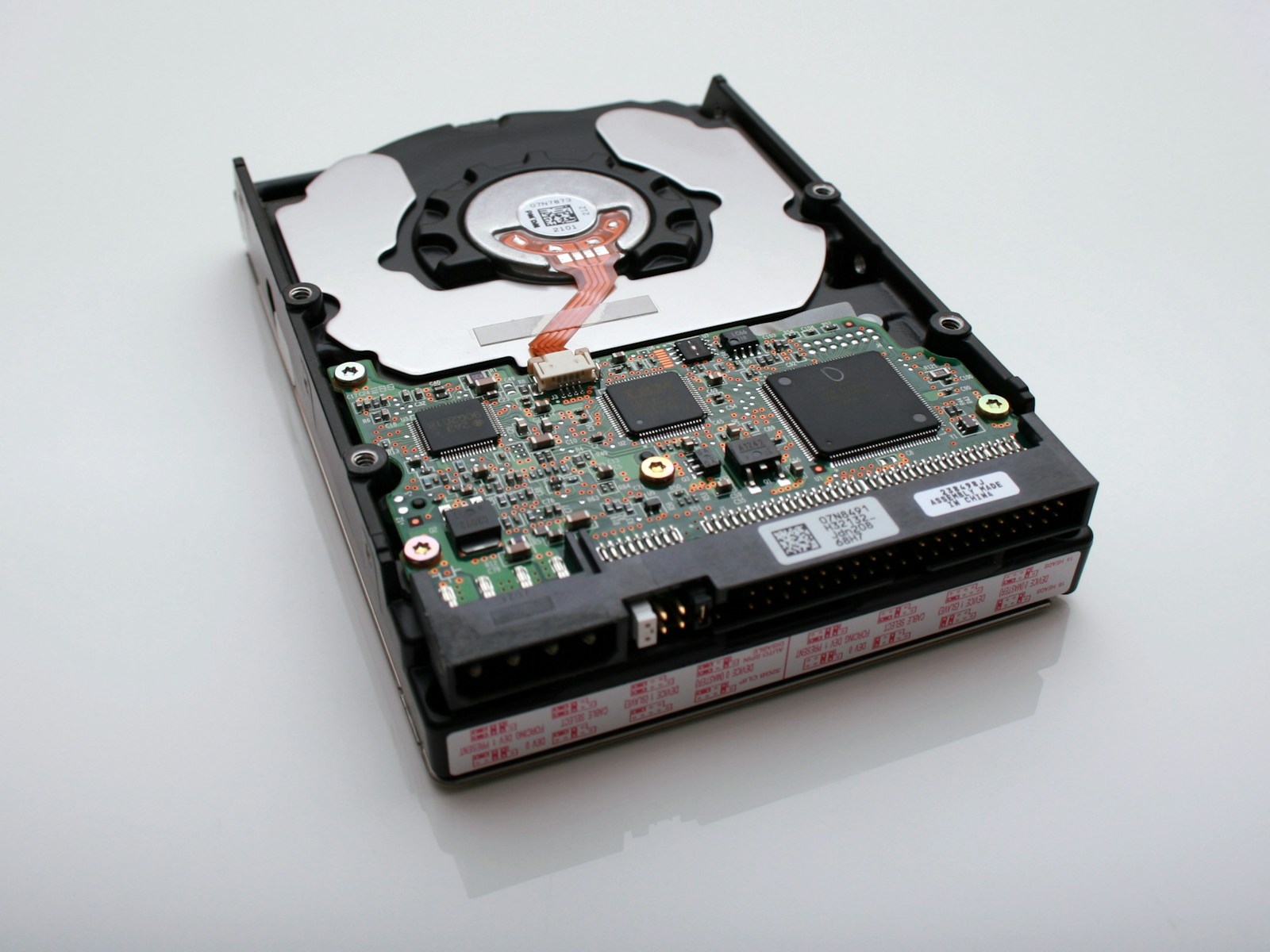
Almost every data recovery job that comes through our Perth lab has the same story behind it. “I thought I had a backup.” “It was backing up — I’m sure it was.” “The backup drive failed too.” The recovery is the cure; a real backup is the prevention. Here’s what we wish everyone knew before the drive failed.
”I had it on an external drive” isn’t a backup
If your only copy moved from your laptop to an external drive, you don’t have a backup — you have your data in a different single location. External drives fail just like internal ones. We recover dead external drives every week, often holding the only copy of someone’s life’s work.
A backup means the data exists in more than one place at the same time. One copy is not a backup, no matter where it lives.
The rule that actually works: 3-2-1
The backup strategy professionals use is simple enough for anyone:
- 3 copies of your important data
- on 2 different types of media (e.g. your computer + an external drive)
- with 1 copy kept off-site (e.g. cloud backup, or a drive at a different location)
If a drive dies, you have two more copies. If your house floods or is burgled, the off-site copy survives. It sounds like a lot, but in practice it’s often just: your laptop + an external drive + a cloud service like Backblaze, iCloud, OneDrive or Google Drive.
Why “the cloud” alone can still bite you
Cloud sync is brilliant, but sync is not backup. If you delete a file, or ransomware encrypts it, the sync service faithfully copies that deletion or encryption to the cloud. Many services keep version history for 30 days — but if you don’t notice in time, the good version is gone.
Use cloud sync and a separate backup that keeps older versions. They protect against different disasters.
Test your backup before you need it
The cruellest data recovery cases are the ones where a backup existed but never actually worked. The drive was plugged in but the software had silently stopped running months ago. The cloud folder looked synced but a setting had paused it.
Once a month, open your backup and actually check a file opens from it. Two minutes now versus everything later.
If you’re reading this after the failure
If you’ve already lost data and you’re here looking for help — that’s what our Perth lab is for. Stop using the affected device, don’t run repeated recovery attempts, and call us on 08 9325 1196. We’ll assess the device honestly and tell you the real odds.
And once we’ve got your data back? Let’s set up a backup that means you never need us again. That’s a conversation we’re always happy to have — even though it means we won’t see you for another emergency.